Website Help Center
How to Add Expand and Collapse Text
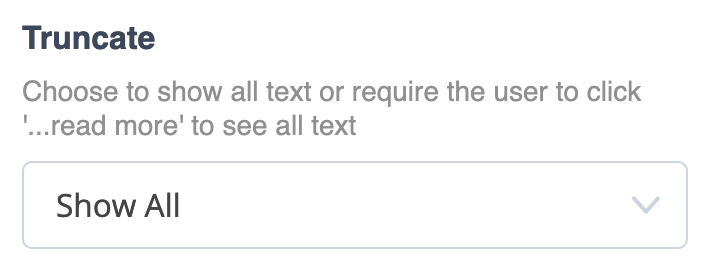
When a section of text gets long, your website editor can let you decide whether visitors see the entire message immediately or reveal the rest with a read more option. This is controlled by the Truncate setting, where you can choose Show All or Expand & Collapse.
Show All
Choose this when you want the complete text to remain visible on the page without shortening it for visitors.
Expand & Collapse
Choose this when you want only part of a longer passage displayed at first. Visitors can use the read more control to reveal the remaining text.
The screenshot below shows the Truncate control in the editor. Open this dropdown when you want to change how much of the text visitors initially see.