Website Help Center
How to Add or Change a Google Map
A Google Map can help visitors quickly understand where your business is located or the general area you serve. You can add a Map section to your Site Before Night website and customize the information displayed with it.
Good places for a map include: your Contact page, a location section, or an area near the bottom of a page where customers are looking for directions or location information.
How to add a Google Map section
- Open the page where you want the map to appear and scroll to the appropriate location.
- Select + Add New Section.
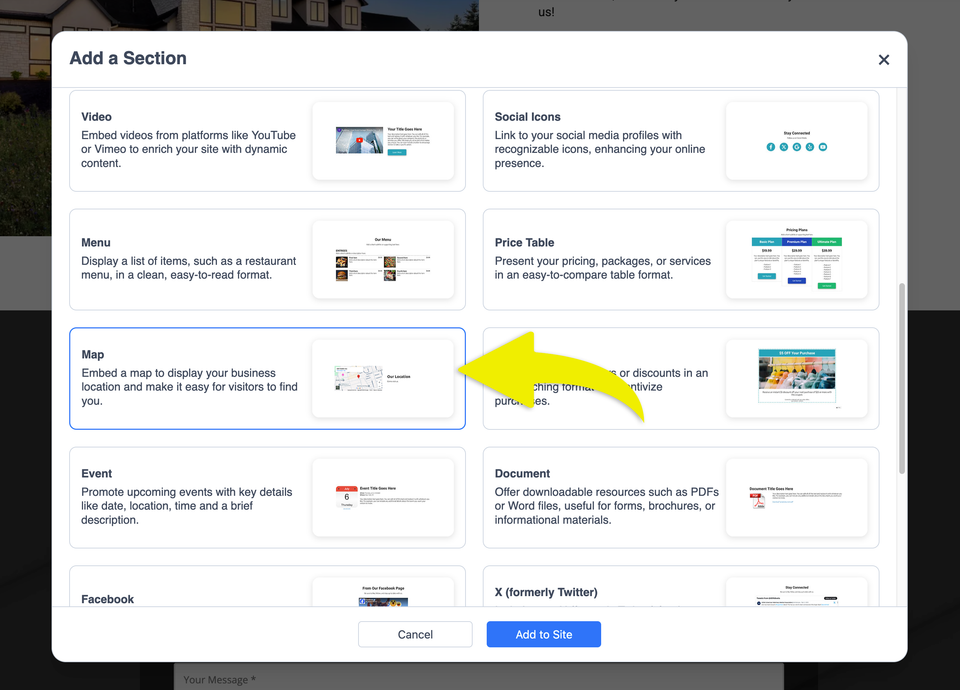
- Choose the Map option.
- Select Add to Site.
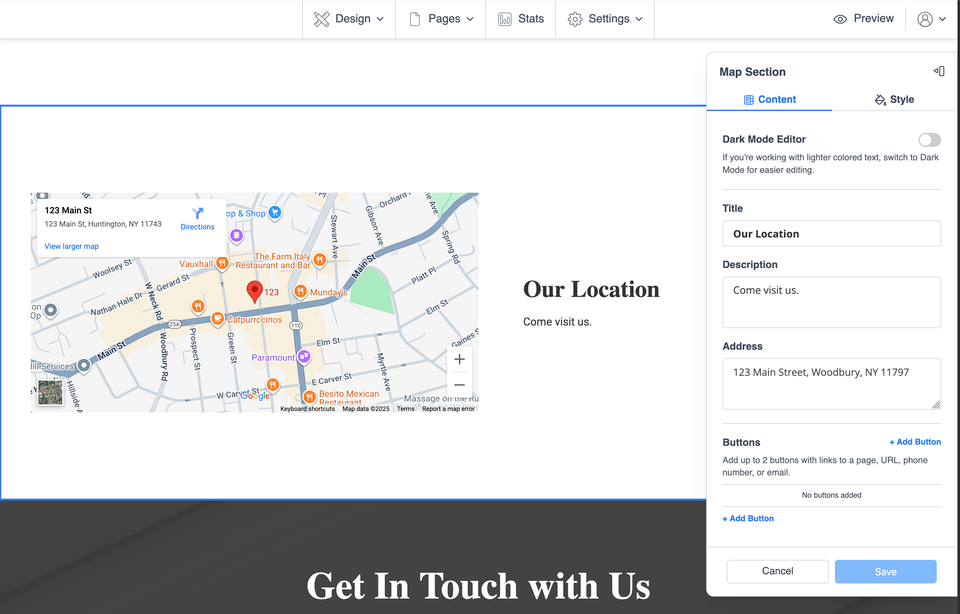
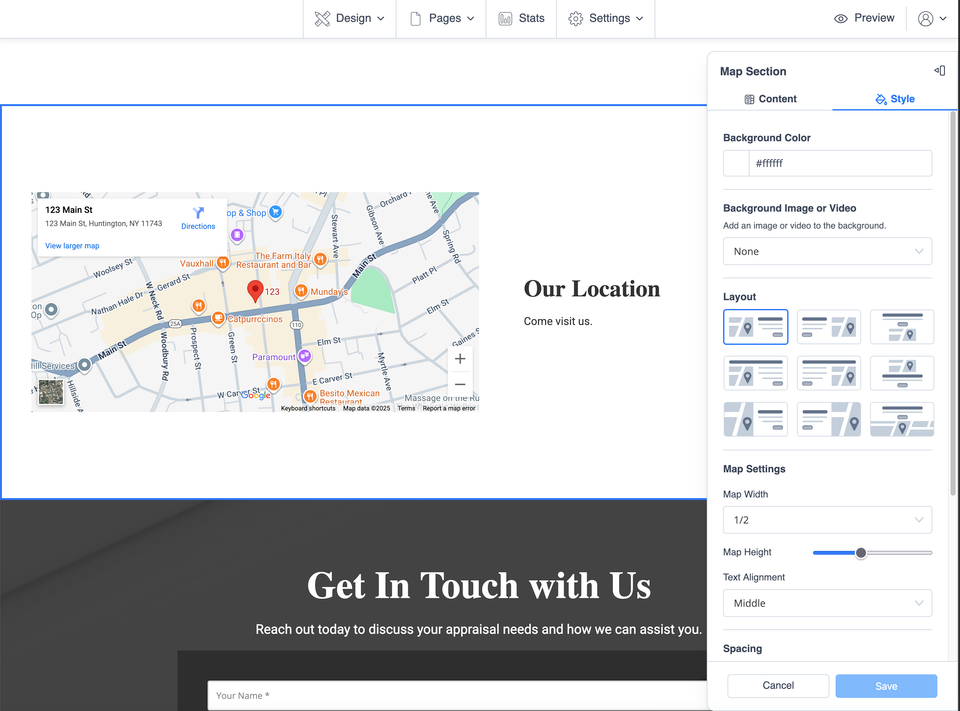
After the Map section has been added, you can customize its information so it matches your business.