Website Help Center
How to Edit Your Website Footer
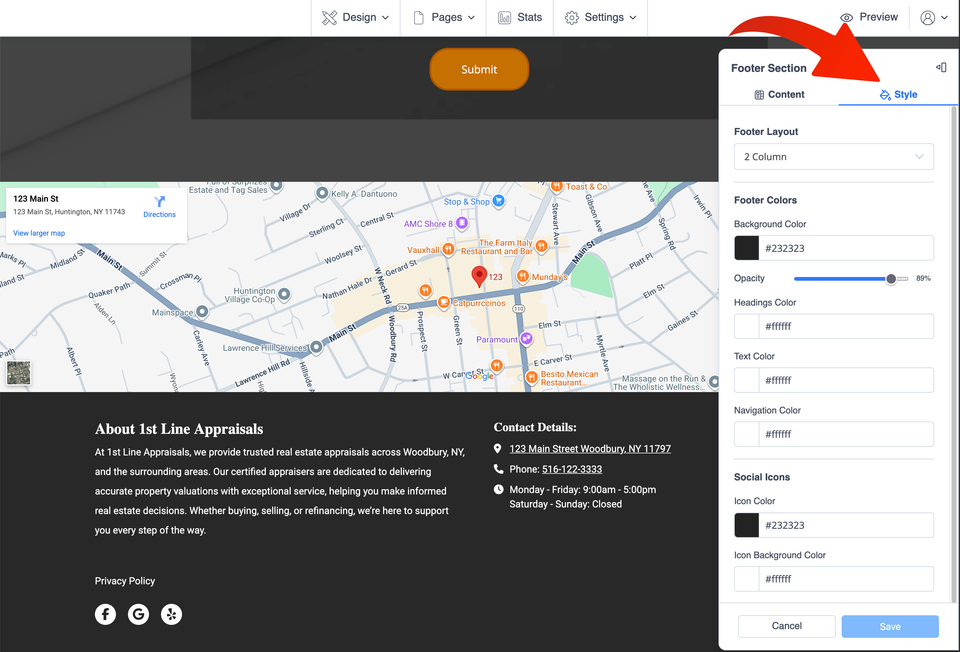
Your website footer is the section at the very bottom of your site. It is a useful place for important business information such as your address, phone number, email address, business hours, social media links, and a short description of your company.
Because the footer is normally shown throughout your website, one update can keep this important information consistent across multiple pages.
Before you edit: Changes to the footer can affect the footer throughout your website. Review important contact information carefully before saving.
1. Open the Footer editor
1
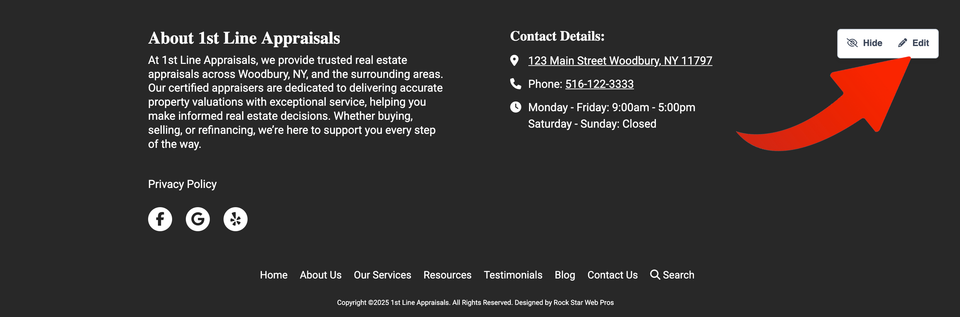
Log in to your website editor and scroll to the bottom of the page. Hover over the footer section and select Edit.